Check RC Status Online by Vehicle Number
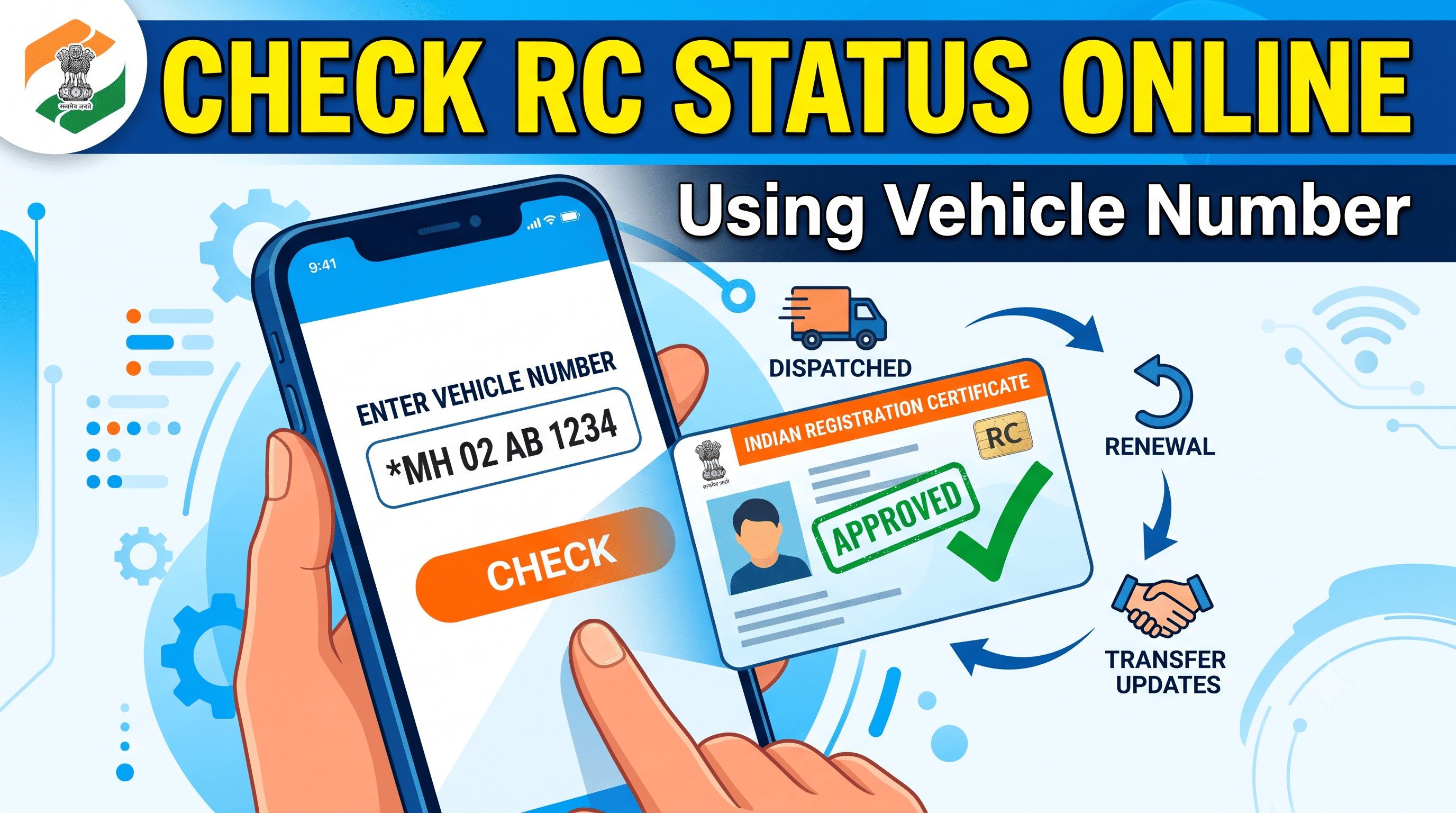
Enter vehicle number — continue to Parivahan
Official government portal for RC status and vehicle details.
👉 This is the fastest way to check vehicle RC status, car RC status, and bike RC status without visiting the RTO.
RC Download — get your RC book online now.
What is RC Status and Why Is It Important?
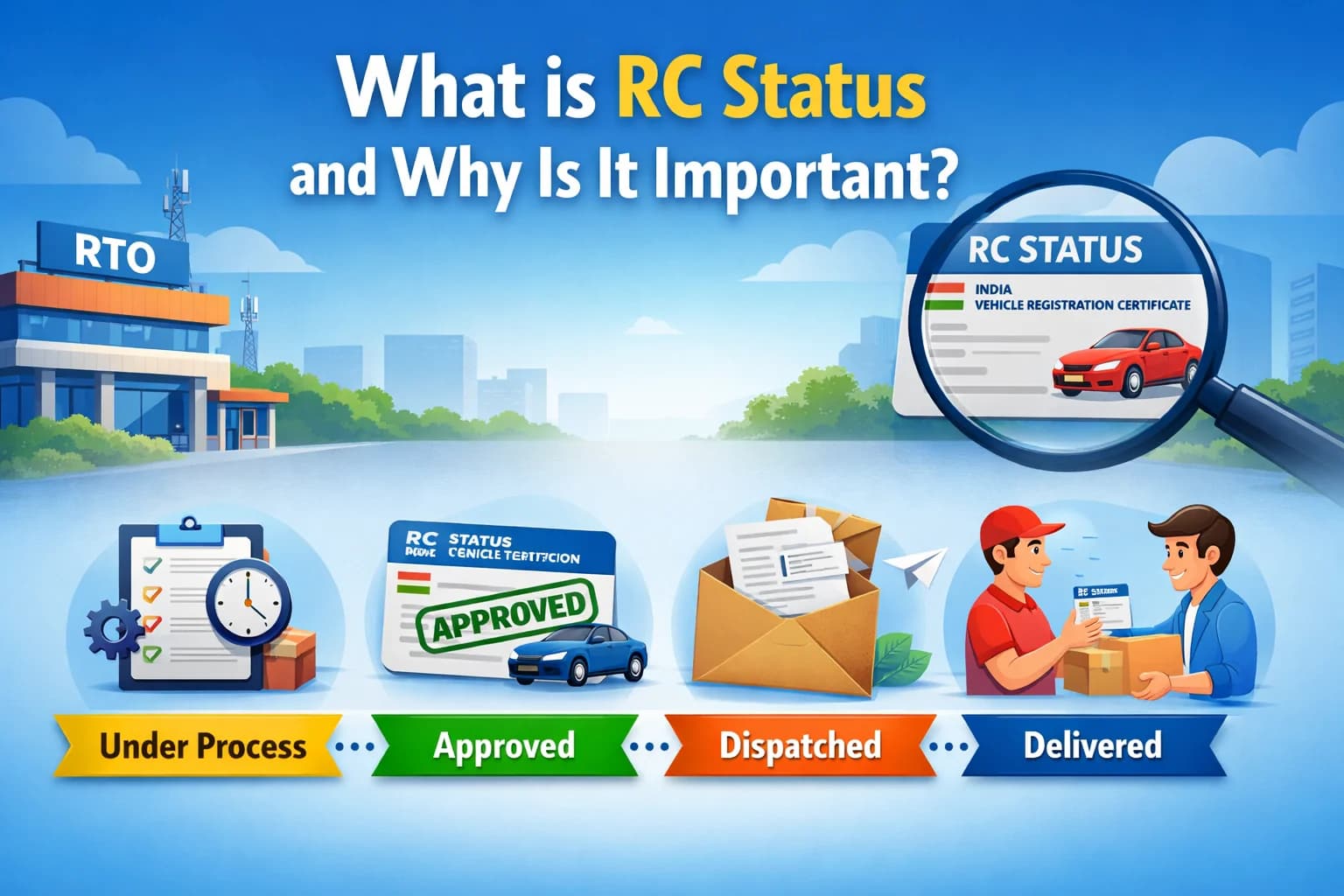
RC Status (Registration Certificate Status) shows the current stage of your vehicle registration in the RTO system. It tells whether your RC is:
- Under process
- Approved
- Dispatched
- Delivered
Why RC Status Check is Important
- Track RC application status after applying
- Verify RC dispatch status after approval
- Monitor RC transfer status (ownership change)
- Check RC renewal status after expiry
- Avoid legal issues due to invalid RC
Regularly checking parivahan RC status ensures your vehicle documents are valid and updated.
How to Check RC Status Online on Parivahan (Step-by-Step Guide)
Follow this detailed process to check RC status check by vehicle number:
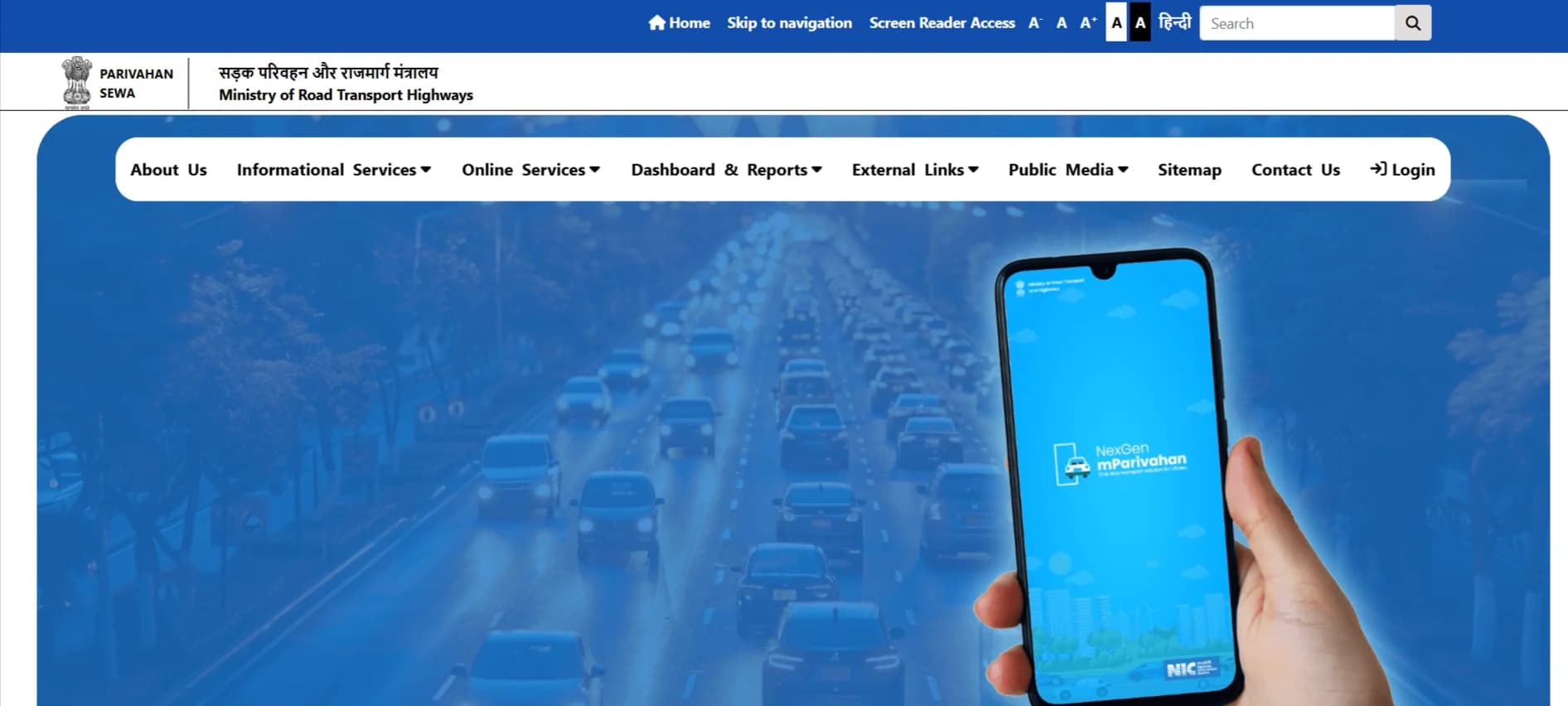
Step 1: Visit Parivahan Sewa Portal
Go to the official Parivahan Sewa website.
Step 2: Select “Know Your Vehicle Details”
This option is available under vehicle services.
Step 3: Enter Vehicle Registration Number
Enter your full vehicle number (e.g., GJ01AB1234).
Step 4: Complete Verification
Enter captcha code.
Step 5: Click on Search
Submit your details.
Step 6: View RC Status
You will see complete vehicle RC status including registration and owner details.
How to Check RC Status on Vahan Portal (Vahan 4 RC Status)
The Vahan portal provides centralized vehicle data across India.
Steps to Check Vahan RC Status
- Visit Vahan portal
- Enter vehicle registration number
- Click on search
- View Vahan RC status and vehicle details
👉 Useful for checking:
- Vahan 4 RC status
- RC application status
- Vehicle ownership details
You can do RC book download online.
RC Status Check Using mParivahan App (Mobile Method)
For quick access, you can check mParivahan RC status on your phone.
Steps
- Install mParivahan app
- Login using mobile number
- Add vehicle using registration number
- View RC status instantly
👉 Best for:
- Instant RC status check online
- Mobile-friendly access
- Real-time updates
mParivahan on Google Play
If your RC is expired then you can apply for RC renewal online. Or if your RC is lost you can apply for duplicate RC.
RC Status Check by Vehicle Number – What You Can Track
When you perform RC status check by vehicle number, you can track multiple statuses:
1. RC Application Status
- Pending
- Approved
- Rejected
2. RC Dispatch Status
- Printed
- Dispatched
- Delivered
3. RC Transfer Status
- Ownership transfer in progress
- Approved transfer
4. RC Renewal Status
- Renewal pending
- Renewal approved
This makes vehicle RC status check extremely useful.
Understanding Vahan RC Status & RC Application Status
Vahan RC Status is the official status stored in the national vehicle database.
Key Status Types Explained
- Pending at RTO → Application under review
- Approved → RC generated successfully
- Dispatched → RC sent via post
- Delivered → RC delivered to owner
These updates help track your RC application status accurately.
When Should You Check RC Status?
You should check your RC status online in the following situations:
- After purchasing a new vehicle
- After applying for RC transfer (ownership change)
- After applying for RC renewal
- If your RC has not been delivered within 2–3 weeks
- After making corrections in RC details
- When buying a second-hand vehicle (to verify status)
Regular RC status checks help avoid delays and ensure your vehicle documents remain valid.
How Long Does RC Status Take? (Processing Time)
The time required for RC processing may vary depending on the RTO and state. However, the typical timeline is:
| Stage | Estimated Time |
|---|---|
| Application Submission | 1–3 days |
| Verification at RTO | 3–7 days |
| Approval of RC | 3–5 days |
| Printing of RC | 2–4 days |
| Dispatch & Delivery | 7–15 days |
In most cases, you can expect RC delivery within 10–20 days.
RC Status Not Updating? What to Do
If your RC status is not updating or stuck for a long time, follow these steps:
1. Check Vehicle Number Carefully
Make sure the registration number is correct.
2. Wait for System Update
Sometimes updates take 24–72 hours to reflect.
3. Contact Your RTO Office
Visit or call your local RTO for verification.
4. Verify Documents
Ensure all submitted documents are valid and complete.
5. Raise Complaint Online
Use the Parivahan grievance system if the delay exceeds 15 days.
Delays usually happen due to document verification or system backlog.
RC Status Processing Time in Different States
RC processing time may vary across states due to workload and digital systems:
- Gujarat → Fast processing (7–10 days)
- Maharashtra → Moderate (10–15 days)
- Delhi → Faster digital updates (5–10 days)
- Uttar Pradesh → May take longer (10–20 days)
👉 Metro cities generally process RC faster than rural areas.
RC Status vs Vehicle Details (Important Difference)
Many users confuse RC status with vehicle details. Here’s the difference:
| Feature | RC Status | Vehicle Details |
|---|---|---|
| Shows application progress | ✅ Yes | ❌ No |
| Shows RC approval status | ✅ Yes | ❌ No |
| Shows owner information | ✅ Yes | ✅ Yes |
| Shows registration details | ✅ Yes | ✅ Yes |
👉 RC Status is used to track progress, while vehicle details show static information.
What to Do If RC Is Delayed or Not Delivered
If your RC is not delivered within the expected time:
- Wait at least 15–20 days after approval
- Check dispatch status online
- Contact your nearest RTO office
- Verify your address is correct
- Apply for duplicate RC if lost in transit
👉 Always keep a digital RC copy until the physical copy arrives.
Can You Drive Without RC?
No, driving without RC is not allowed.
However:
- You can use digital RC (mParivahan or DigiLocker)
- It is legally valid across India
- Avoid penalties by keeping a digital copy
👉 Physical RC is not mandatory if digital RC is available.
Common Issues While Checking RC Status Online (With Fixes)
1. RC Status Not Found
- Ensure correct vehicle number
- Newly registered vehicles may take time
2. Website Not Loading
- Try different browser
- Use mobile app
3. Incorrect RC Status
- Wait for system updates
- Recheck after some time
4. RC Showing Pending for Long Time
- Contact RTO office
- Verify documents
👉 These are common issues faced during rc status check online.
Why Use Parivahan for RC Status Check?
- Official government platform
- Real-time and accurate data
- Covers all states
- Easy to use
👉 Best for rc status parivahan check online.
Benefits of Checking RC Status Online
- No need to visit RTO
- Instant results
- Works 24/7
- Helps in legal compliance
👉 This is why check RC status online is widely used.
FAQ
Yes, you can check RC status online using Parivahan, Vahan, or mParivahan.
Enter your vehicle number on Parivahan to get vehicle RC status instantly.
Vahan RC status shows vehicle registration details from the central database.
Yes, you can track RC transfer status via Parivahan.
You can check RC dispatch status after approval on Parivahan.
Yes, you can check bike RC status online using your registration number.