Duplicate RC Download & Apply Online on Parivahan | Complete Guide
Start on the official Parivahan portal
Opens the official Parivahan portal in a new tab.
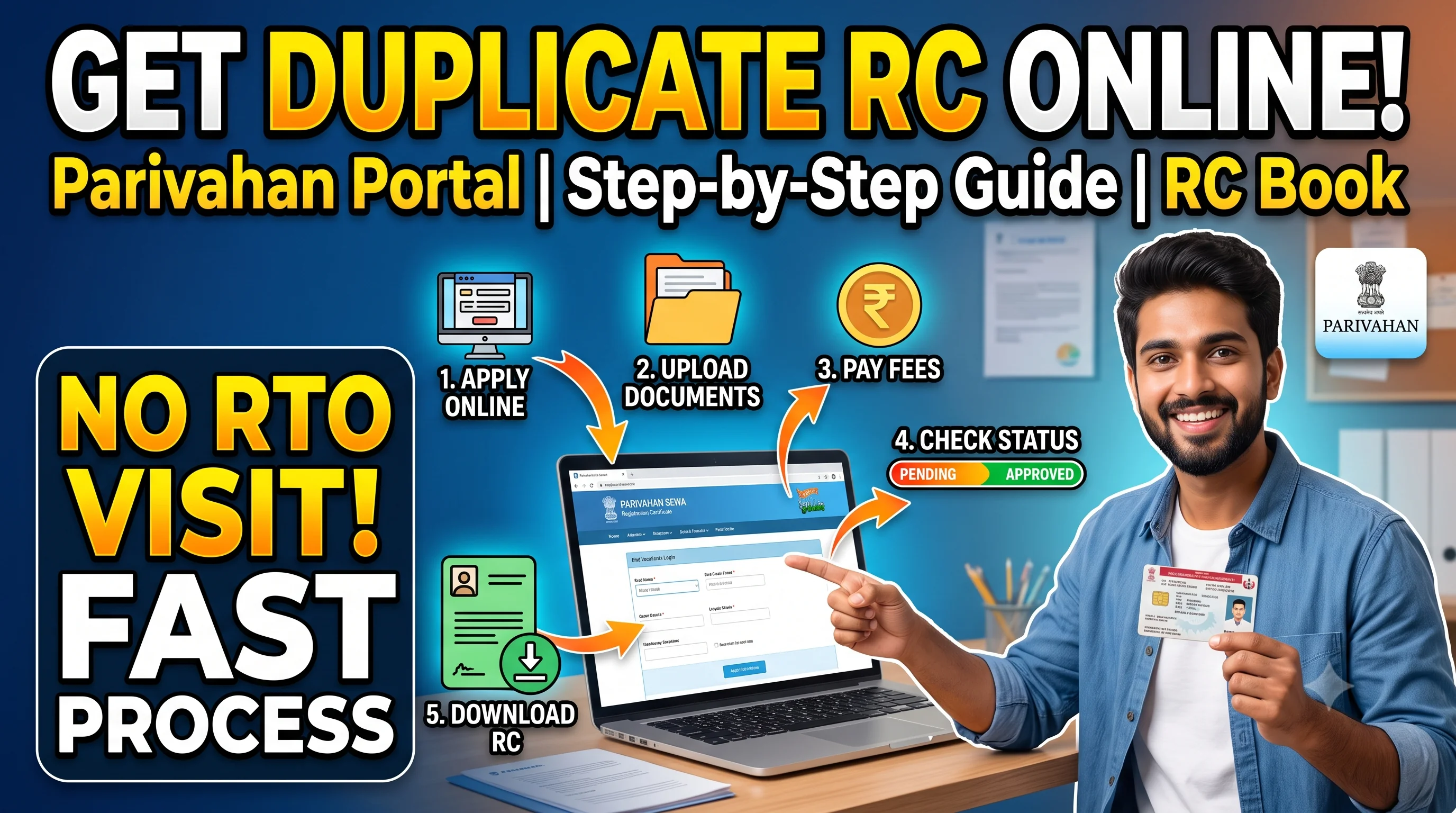
Duplicate RC – Quick Overview
| Details | Information |
|---|---|
| Service | Duplicate Registration Certificate (RC) |
| Authority | Regional Transport Office (RTO) |
| Mode | Online & Offline |
| Portal | Parivahan |
| Applicable For | Cars, Bikes, Scooters & Commercial Vehicles |
| Processing Time | Varies by State |
| Application Status | Available Online |
| RC Download | Available After Approval |
Quick Answer
A Duplicate RC (Registration Certificate) is issued when the original RC Book or Smart RC Card is lost, stolen, damaged, or becomes unreadable. Vehicle owners can apply for a duplicate Registration Certificate through the official Parivahan portal or by visiting the concerned RTO with the required documents and prescribed fee.
Before applying, verify your RC Details to ensure your vehicle information is correct. After submitting the application, you can Check RC Status to track the progress and Download RC Online once the duplicate Registration Certificate has been approved.
What is a Duplicate RC?
A Duplicate Registration Certificate (RC) is a replacement copy issued by the Regional Transport Office (RTO) when the original Registration Certificate is no longer available or cannot be used.
The duplicate RC carries the same legal validity as the original Registration Certificate and contains updated vehicle information available in the official transport records.
A duplicate RC may be issued in the form of:
- Smart RC Card
- Digital RC
- Registration Certificate issued by the RTO (depending on the state's implementation)
Obtaining a duplicate RC is important because the Registration Certificate is one of the mandatory documents required while driving a vehicle in India. It is also required during insurance claims, ownership transfer, loan processing, and vehicle verification.
If your Registration Certificate is still available but contains incorrect information, you should not apply for a duplicate RC. Instead, complete the RC Correction Process to update the existing Registration Certificate.
When Do You Need a Duplicate RC?
Many vehicle owners assume that a duplicate RC is required only when the document is lost. However, there are several situations where applying for a replacement Registration Certificate becomes necessary.
You should apply for a Duplicate RC if:
- Your original RC Book has been lost.
- Your Smart RC Card has been stolen.
- The Registration Certificate has been damaged.
- The RC Book has become unreadable.
- Important information on the RC is no longer visible.
- The original RC has been destroyed due to fire, flood, or other unforeseen events.
If your Registration Certificate has expired, a duplicate RC is not the correct solution. In that case, you should complete the RC Renewal Process instead of applying for a replacement.
Similarly, if the ownership of the vehicle has changed, the appropriate service is RC Transfer rather than Duplicate RC.
Duplicate RC vs RC Renewal vs RC Transfer
Many users confuse these three services. Understanding the difference helps you choose the correct application.
| Situation | Required Service |
|---|---|
| RC Lost | Duplicate RC |
| RC Stolen | Duplicate RC |
| RC Damaged | Duplicate RC |
| RC Expired | RC Renewal |
| Owner Changed | RC Transfer |
| Wrong Information | RC Correction |
| Loan Closed | RC Hypothecation Removal |
Expert Tip
Before submitting any application, identify the actual issue with your Registration Certificate. Applying for the wrong service can lead to unnecessary delays and additional RTO visits.
Who Can Apply for a Duplicate RC?
The application for a duplicate Registration Certificate can generally be submitted by:
- Registered vehicle owner.
- Authorized representative.
- Legal heir (where applicable).
- Fleet operator with proper authorization.
The applicant should have access to the vehicle details and supporting documents required for verification.
Eligibility for Duplicate RC
To apply for a duplicate RC, the following conditions are generally applicable:
- The vehicle must already be registered with the RTO.
- The applicant should be the registered owner or an authorized person.
- The Registration Certificate should be lost, stolen, damaged, or unreadable.
- All applicable taxes and dues should be cleared.
- Supporting documents should be available.
If the Registration Certificate details contain incorrect information, update them first through RC Update or RC Correction before applying for a duplicate document.
Documents Required for Duplicate RC
The exact document requirements may vary by state. However, the commonly required documents include:
| Document | Required |
|---|---|
| Existing RC (if damaged) | ✅ |
| FIR or Loss Report (where applicable) | ✅ |
| Identity Proof | ✅ |
| Address Proof | ✅ |
| Vehicle Insurance Certificate | ✅ |
| Pollution Under Control (PUC) Certificate | ✅ |
| Prescribed Application Form | ✅ |
| Passport-size Photograph | If Required |
| Applicable Fee Receipt | ✅ |
Before visiting the RTO or applying online, check that all documents are valid and up to date. Missing or expired documents are among the most common reasons for delays in duplicate RC applications.
Duplicate RC Fees
The fee for obtaining a duplicate Registration Certificate depends on several factors, including:
- Vehicle category.
- Type of Registration Certificate.
- State transport rules.
- Applicable government charges.
The final amount is determined by the respective Regional Transport Office during the application process.
Can You Apply for a Duplicate RC Online?
Yes, many states allow eligible vehicle owners to initiate the Duplicate RC application through the official Parivahan portal.
The online process reduces paperwork and allows applicants to monitor the application status digitally.
However, depending on the state, you may still be required to visit the RTO for document verification or biometric authentication before the duplicate Registration Certificate is issued.
Before You Apply – Important Checklist
Use this checklist before submitting your application:
- Confirm that the RC is actually lost, stolen, or damaged.
- Verify your RC Details.
- Keep valid insurance and PUC ready.
- Arrange identity and address proof.
- Keep the application fee ready.
- Save a copy of your application acknowledgement.
After submission, regularly Check RC Status to monitor the progress of your application. Once approved, you can Download RC Online if your state supports digital access to the renewed document.
How to Apply for a Duplicate RC Online Through Parivahan
The Government of India allows eligible vehicle owners to apply for a Duplicate Registration Certificate through the official Parivahan Portal. The online process is designed to reduce paperwork and minimize visits to the Regional Transport Office (RTO).
Although many states support online applications, some RTOs may still require document verification, biometric authentication, or physical inspection before issuing the duplicate Registration Certificate.
Before starting your application, ensure that your vehicle information is correct. You can Check RC Details to verify your owner name, registration number, engine number, chassis number, and other important information. If you find any incorrect information, complete the RC Correction Process before applying for a duplicate RC.
Step-by-Step Process to Apply for Duplicate RC Online
Follow these steps to submit your Duplicate RC application.
Step 1 – Visit the Official Parivahan Portal
Open the official Parivahan Vehicle Services portal and select your state or Regional Transport Office.
Always use the official government website to avoid fraudulent portals or unofficial service providers.
Step 2 – Select Duplicate RC Service
Navigate to the Vehicle Related Services section and choose the option for Duplicate Registration Certificate.
If your Registration Certificate has expired instead of being lost or damaged, you should apply for RC Renewal rather than a Duplicate RC.
Step 3 – Enter Vehicle Details
Provide your vehicle registration number and other required details exactly as recorded in government records.
Incorrect registration information may delay verification.
Step 4 – Upload Required Documents
Upload the required documents, such as:
- Identity Proof
- Address Proof
- Insurance Certificate
- Pollution Under Control (PUC) Certificate
- FIR or Loss Report (if applicable)
- Damaged RC (if available)
Ensure all uploaded documents are clear and valid.
Step 5 – Pay the Applicable Fee
After document submission, pay the prescribed application fee through the available online payment options.
Keep a copy of the payment receipt for future reference.
Step 6 – Submit the Application
Review all information carefully before final submission.
Once submitted successfully, you will receive an acknowledgement or application reference number.
This number will be required to Check RC Status throughout the application process.
Offline Process for Duplicate RC
Some vehicle owners may prefer or be required to apply directly through the Regional Transport Office.
The offline process generally includes:
- Visit the concerned RTO.
- Collect the Duplicate RC application form.
- Fill in the required details.
- Attach supporting documents.
- Submit the application.
- Pay the prescribed fee.
- Receive the acknowledgement receipt.
- Track the application status online.
Even if you apply offline, you can usually monitor your application using RC Status without visiting the RTO repeatedly.
How to Check Duplicate RC Status
After submitting the application, vehicle owners can track every stage of the process online.
Typical application stages include:
| Status | Meaning |
|---|---|
| Application Submitted | Your request has been received. |
| Under Verification | Documents are being verified. |
| Pending Approval | Awaiting final approval. |
| Approved | Duplicate RC approved. |
| Smart Card Printing | RC is being printed. |
| Dispatched | RC has been sent for delivery. |
| Completed | Duplicate RC issued successfully. |
Regularly checking your status helps you identify any delays or additional requirements before the process is completed.
How to Download Duplicate RC Online
Once your application has been approved, many states allow vehicle owners to access a digital copy of their Registration Certificate.
To download your Duplicate RC:
- Confirm that your application status is Approved.
- Open the official digital service.
- Verify your identity if required.
- Download or access the digital Registration Certificate.
For a complete guide covering all available methods, including Parivahan, DigiLocker, and mParivahan, visit our detailed RC Download Guide.
Common Reasons Why Duplicate RC Applications Get Rejected
Although the process is straightforward, some applications are rejected due to avoidable mistakes.
The most common reasons include:
- Incorrect vehicle information.
- Mismatched owner details.
- Invalid insurance certificate.
- Expired Pollution Under Control (PUC) certificate.
- Missing supporting documents.
- Incorrect application form.
- Unpaid government dues.
- Incomplete verification.
Before reapplying, review the rejection reason carefully and correct the issue.
If the rejection is caused by incorrect Registration Certificate information, first complete the RC Update or RC Correction process before submitting a fresh application.
Expert Tips Before Applying for Duplicate RC
Applying for a Duplicate RC is usually simple, but following a few best practices can help you avoid delays.
✔ Keep Digital Copies
Store scanned copies of your Registration Certificate, insurance policy, and identity documents in a secure location. This makes it easier to complete future RTO services.
✔ Report Lost RC Immediately
If your Registration Certificate has been lost or stolen, report the loss as soon as possible according to the applicable requirements. Delaying the report may complicate future verification.
✔ Verify RC Details First
Before applying, always Check RC Details to confirm that all vehicle information matches the official records.
✔ Track Application Regularly
Many applicants wait several weeks without checking progress.
Instead, monitor your RC Status regularly so you can respond quickly if the RTO requests additional documents or verification.
Duplicate RC vs RC Download
Many users believe these are the same service, but they serve different purposes.
| Duplicate RC | RC Download |
|---|---|
| Replaces a lost, stolen, or damaged Registration Certificate. | Downloads an existing digital Registration Certificate. |
| Requires a new application. | Requires an approved RC. |
| May involve document verification. | Usually available instantly after approval. |
| Issued by the RTO. | Accessed through supported digital platforms. |
If your Registration Certificate already exists and you only need a digital copy, you do not need to apply for a Duplicate RC. Instead, simply use RC Download to access your digital Registration Certificate.
Frequently Asked Questions
A Duplicate RC is a replacement Registration Certificate issued when the original RC is lost, stolen, damaged, or unreadable.
Yes. Many states allow online applications through the official Parivahan portal, although some cases may still require an RTO visit.
You can track your application using RC Status after receiving your application reference number.
Yes. Once approved, you can access your digital Registration Certificate through supported government services. Visit RC Download for detailed instructions.
Generally, you'll need identity proof, address proof, insurance, PUC certificate, the prescribed application form, and a loss report or damaged RC where applicable.
Processing time depends on your state's RTO and the verification requirements. You can monitor progress online using RC Status.
You should apply for a Duplicate RC as soon as possible. Until the issue is resolved, ensure you comply with applicable transport regulations and keep any available acknowledgements if relevant.
Yes. A Duplicate RC issued by the Regional Transport Office has the same legal validity as the original Registration Certificate.
No. If your Registration Certificate has expired, you should apply for RC Renewal instead of a Duplicate RC.
No. RCDownloads.com is an independent informational website. Official vehicle-related services should always be completed through the respective government transport portals.